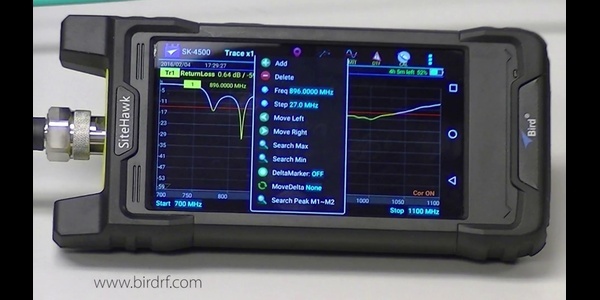
Share your RF test data—fast and on the go.
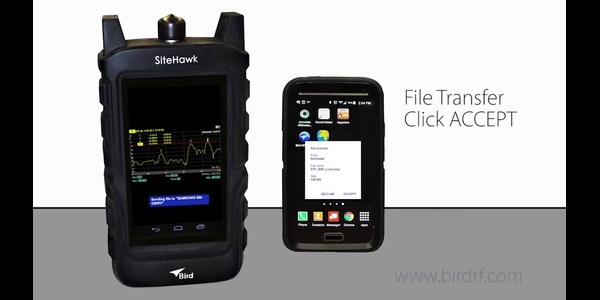
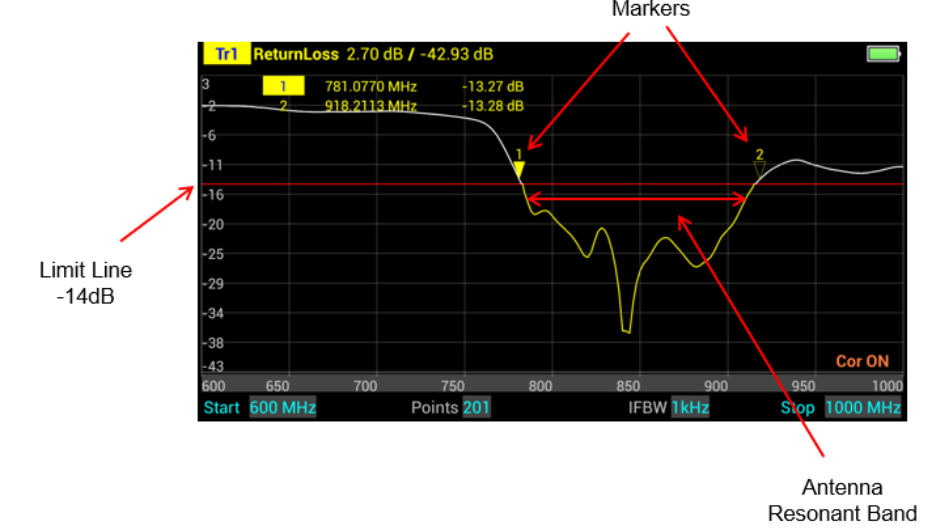
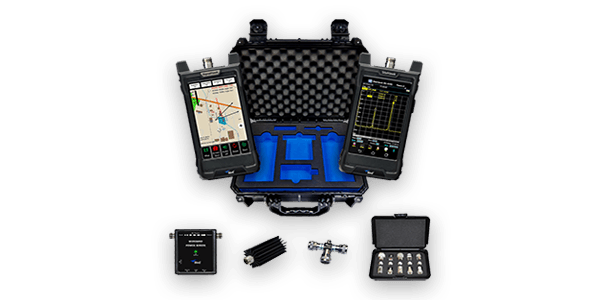
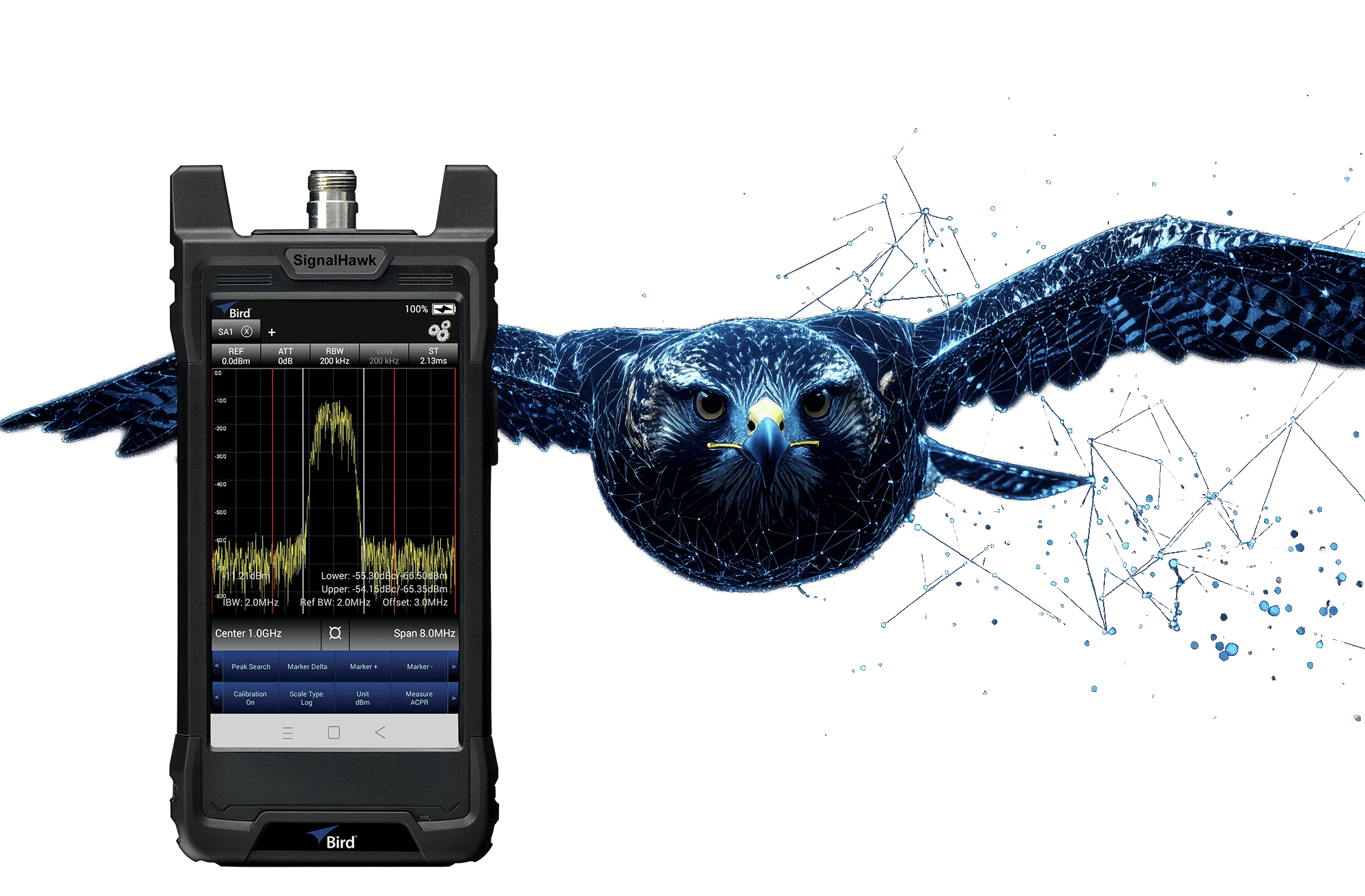
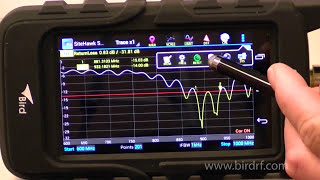
This quick guide walks you through transferring screenshots and trace files from your Bird SiteHawk directly to an Android phone for easy sharing, analysis, or archiving.
You’ll learn:
-
Connection setup – Linking your SiteHawk to an Android device
-
File selection – Choosing the screenshots or traces you need
-
Transfer process – Sending files quickly and reliably
Perfect for field technicians who want instant access to test results without returning to the office.
Bird Applications Team
Applied RF know-how from Bird engineers—field-tested techniques, measurement methods, and troubleshooting.